Want your friends on phones, tablets and consoles to play on your Java server? That’s what crossplay is. In this guide, you will learn how to set up Geyser and Floodgate on your server so Bedrock players can join, without being asked to log in with a Microsoft account.

What are Geyser and Floodgate?

Geyser is a plugin that translates between the two versions of Minecraft, letting Bedrock Edition players join a Java Edition server. On its own though, Geyser still asks Bedrock players to log in with a Microsoft account that owns Java Edition, which most of them don’t have. That’s where Floodgate comes in. Floodgate removes that login step completely, so Bedrock players can join with just their normal Bedrock profile, no Java account needed. You want both installed together.

Setting up crossplay

Install Geyser and Floodgate

Head to the ” Mods & Plugins” tab on your server and install both Geyser and Floodgate, then start your server once so they can generate their config files.
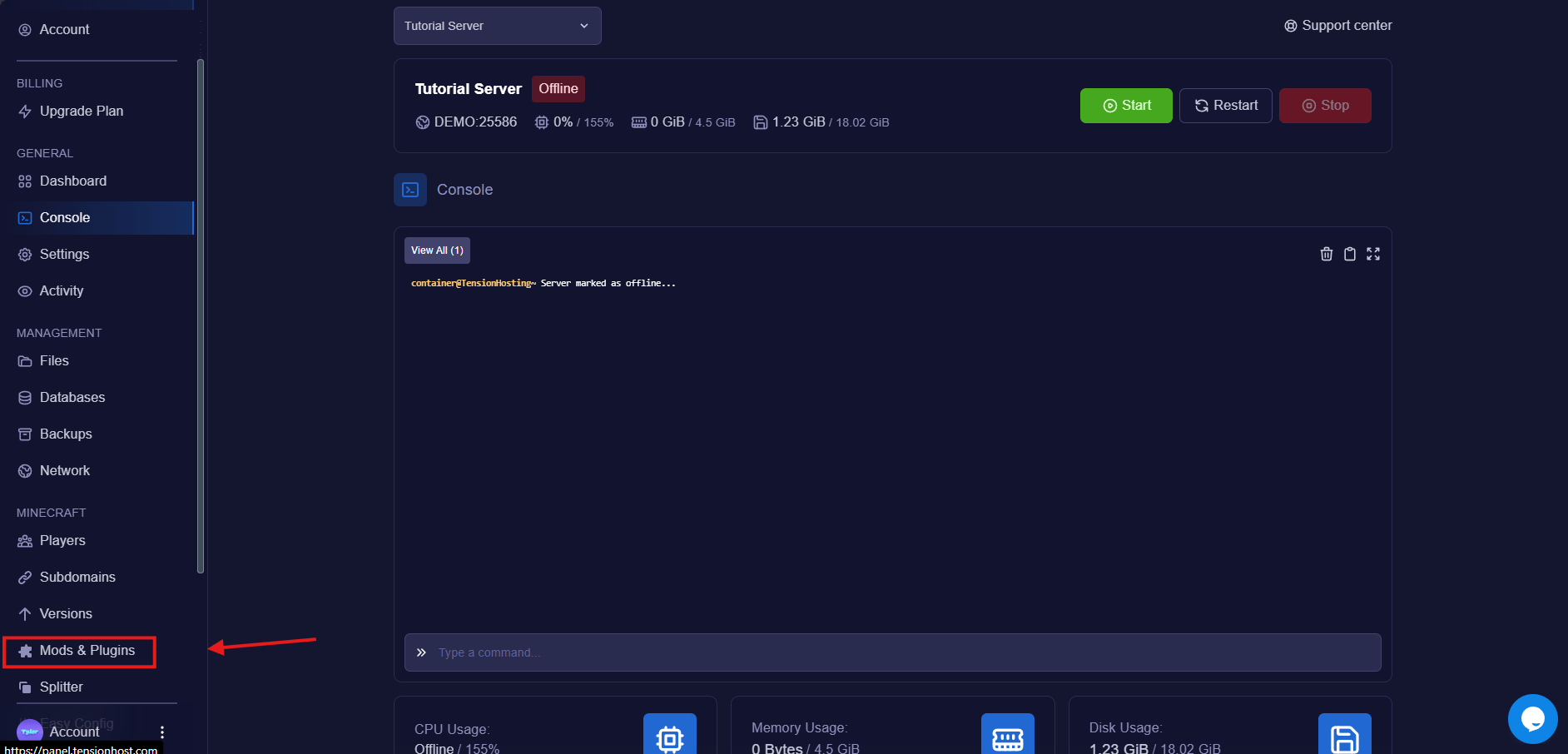
Mod Tab

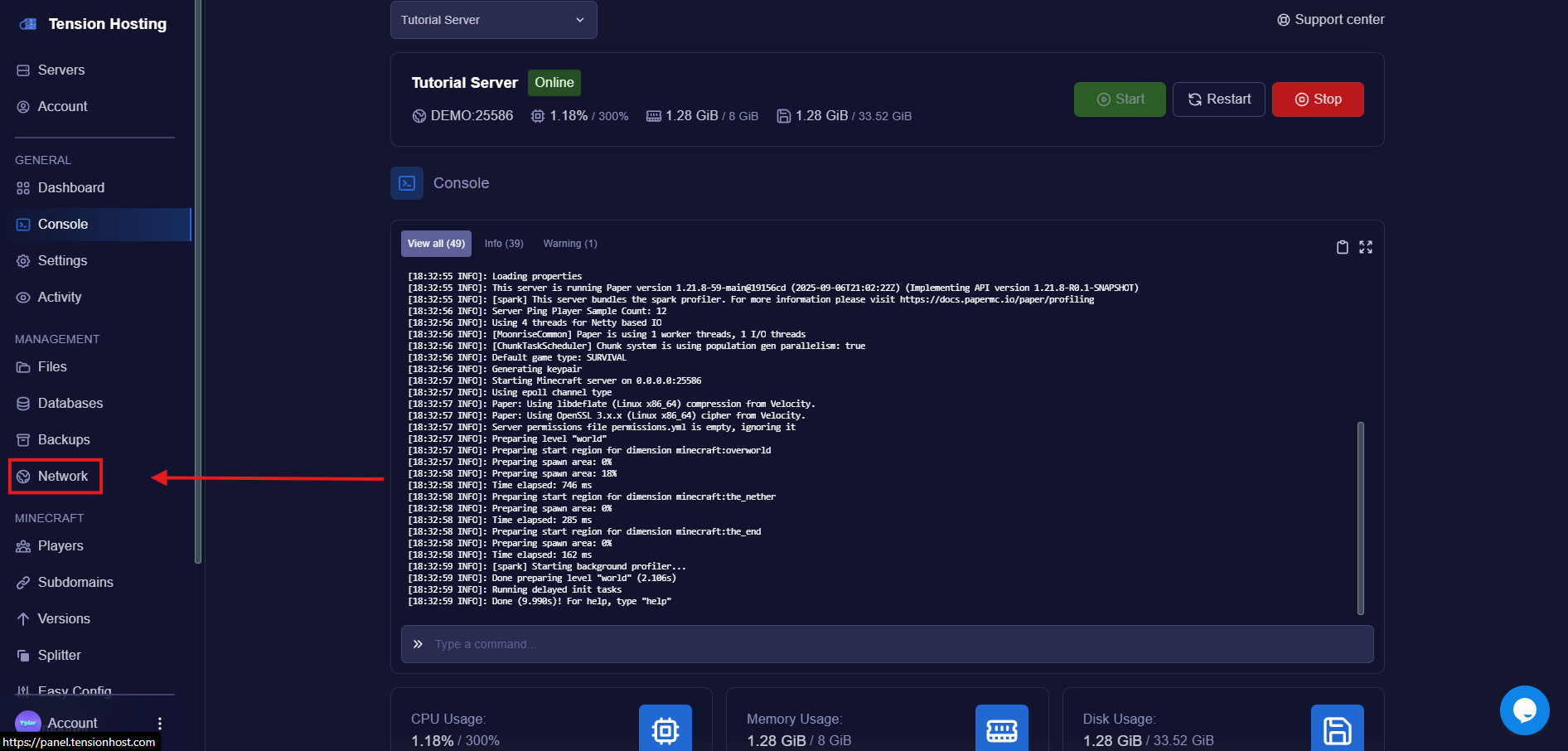
Go to the Network tab

The Network tab on the Tension panel

Create a new allocation

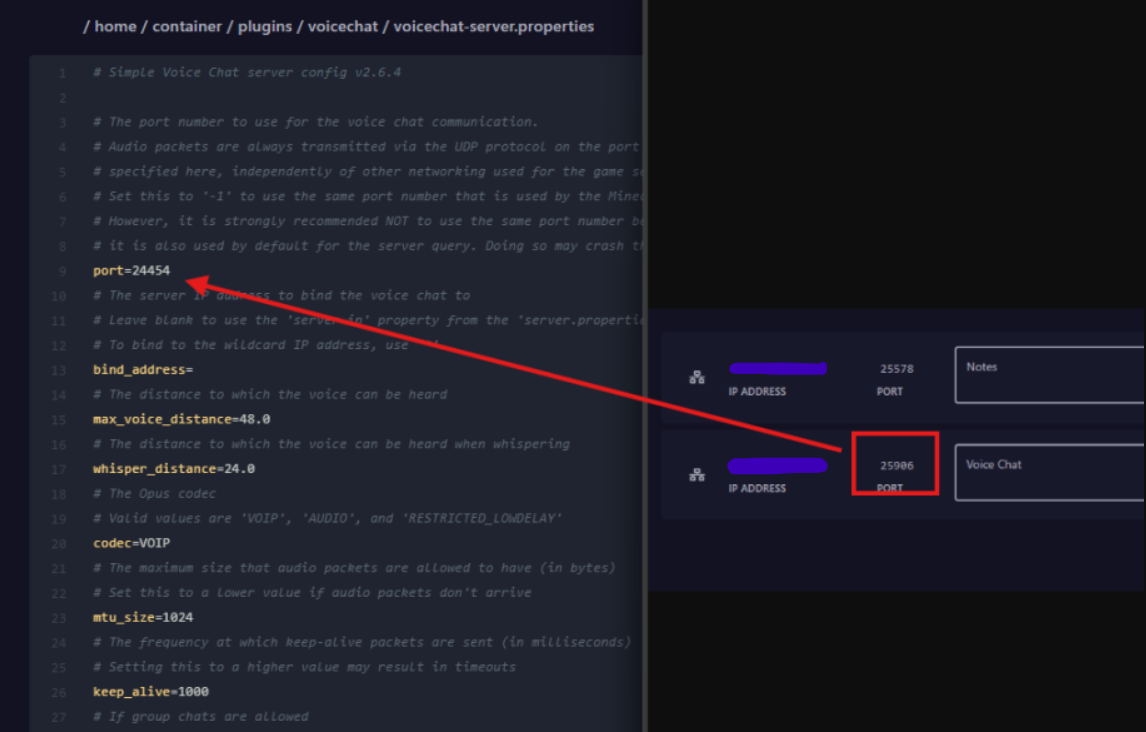
This gives your server another accessible port, which is the port Bedrock players will use to join. Make a note of the number.
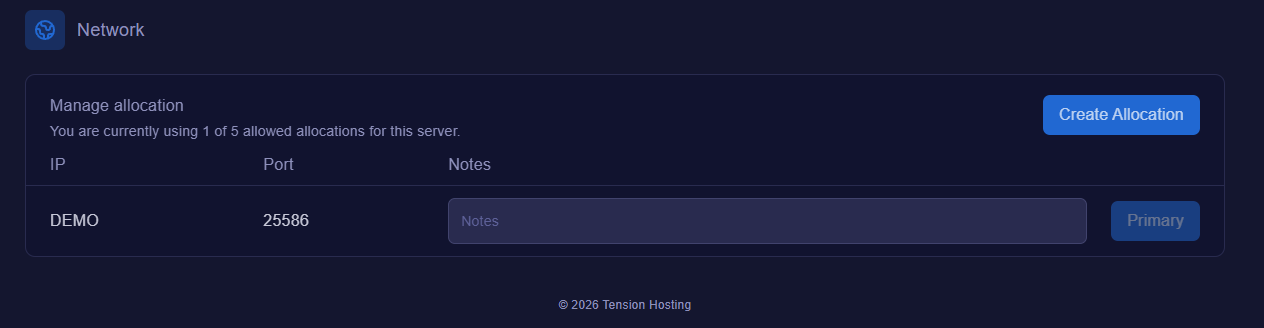
Creating a new port allocation on the Tension panel

Set the Bedrock port

In the file area, open /plugins/Geyser-Spigot/config.ymlUnder the bedrock section, find the line that says port: 19132 and change the number to the port from the allocation you just created, then save.
Newport

Turn off the Microsoft login

In the same file, find the line that says auth-type: online and change it to auth-type: floodgateThis is the bit that removes the Microsoft account login for Bedrock players. Without it, everyone joining on Bedrock gets asked to sign in with an account that owns Java Edition.

Restart the server

Restart so everything applies, and you’re done! Bedrock players can now join by going to Servers, then Add Server, and entering your server’s IP with the Bedrock port from earlier.
Want Bedrock players to have a clean IP like play.yourserver.com instead of numbers? Create a subdomain and pick your Bedrock allocation, our custom IP guide shows you how.

Crossplay FAQs

Do Bedrock players need a Microsoft account or Java Edition?

No. That login prompt is exactly what Floodgate removes. Once auth-type is set to floodgate, Bedrock players join straight away with their normal Bedrock profile, no Java account needed.

Why do Bedrock players have a . in front of their name?

That’s Floodgate’s way of stopping Bedrock names clashing with Java usernames. You can change or remove the prefix in Floodgate’s config file, though we recommend keeping it.

How do Bedrock players join the server?

On phones, tablets and Windows, they go to Servers, press Add Server, and enter your IP and the Bedrock port. Consoles don’t have an Add Server button, so console players need a workaround. Ask in our Discord and we will point you in the right direction.

Does crossplay work on modded servers?

Not really. Geyser only translates things that exist in vanilla Minecraft, so Bedrock players can’t see custom modded blocks and items. Crossplay works best on vanilla and plugin servers like Paper.

Still stuck?

If you need any more support, join our Discord or open a Ticket